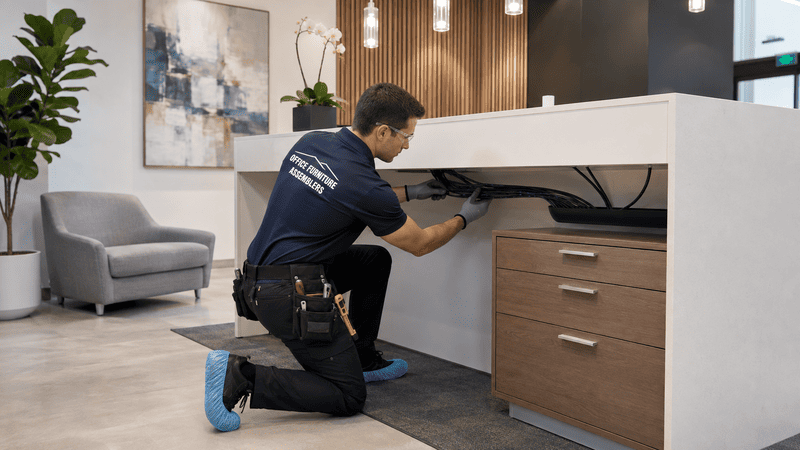
Office Furniture Installation Day Preparation for Businesses Avoiding Delays
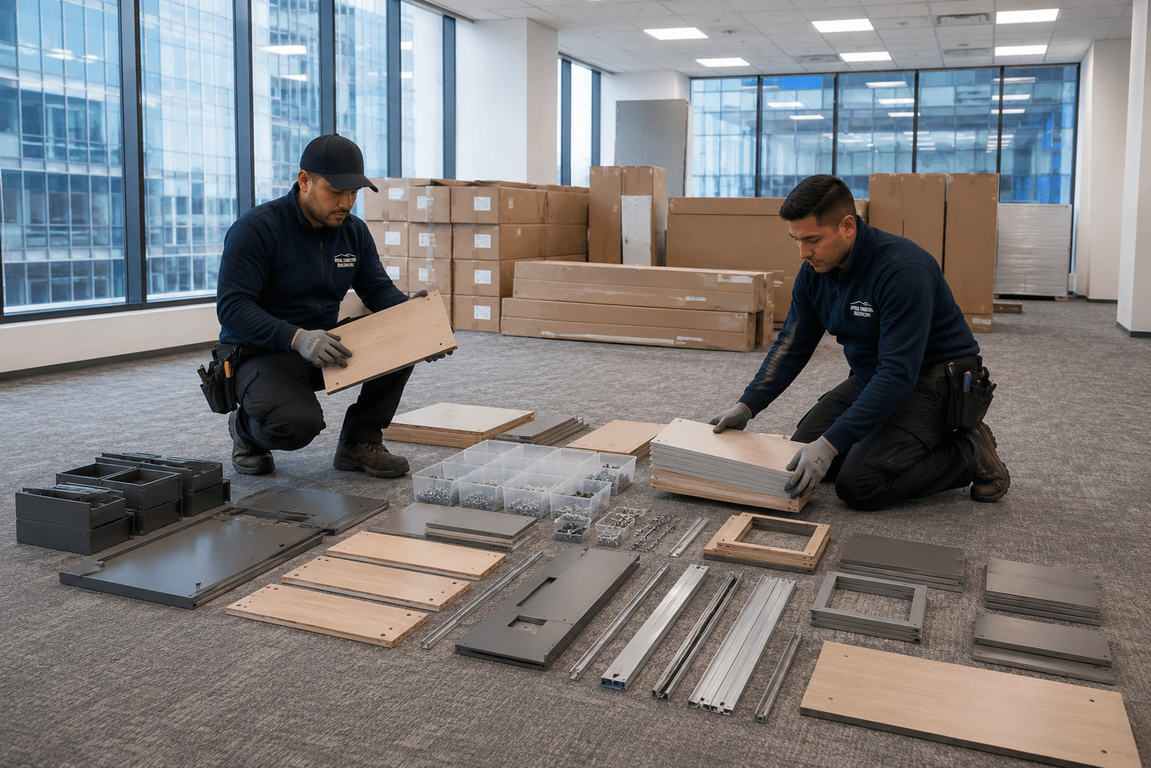
Office furniture installation day runs smoother when businesses confirm floor plans, delivery access, elevator reservations, loading zones, hardware kits, power outlets, employee work areas, and workstation assignments before installers arrive. The right plan depends on office size, furniture type, team schedule, building rules, delivery timing, storage needs, accessibility requirements, and whether the setup involves workstations, chairs, storage cabinets, modular furniture, or relocated equipment.
- Confirm floor plans and exact workstation locations with department leads
- Clear hallways, doorways, and access paths before the truck arrives
- Reserve elevators, loading docks, and secure building approvals early
- Organize hardware, cables, equipment, and storage cabinet zones in advance
- Hire professional installers to reduce delays, damage, and downtime
Keep Office Setup Day From Slowing the Business Down
Office furniture installation can lose hours quickly when delivery trucks arrive at crowded lobbies, boxes show up without labels, elevators sit booked by another tenant, or employees still need access to active work areas. Suddenly, walkways get blocked, workstations land in the wrong rooms, cabinets pile up near reception, and walls take damage from dollies. Missing screws and untracked cables then stretch a one-day setup into three.
Professional installation day preparation solves this. With a structured plan, businesses gain organized setup, safer assembly, faster workspace readiness, and far less disruption to daily operations.
Installation Delays Usually Start Before the Truck Arrives
Most office setup delays trace back to weak preparation, not slow installers. Buildings without confirmed delivery windows, unlabeled furniture, or missing certificates of insurance often stall the entire crew at the curb. Catching these issues early keeps the schedule realistic.
Common pre-delivery issues include:
- Vendors shipping furniture without floor plan tags or room labels
- Building management not approving after-hours or weekend access
- Loading docks shared with other tenants during peak hours
- Hardware kits packed separately and arriving on a different truck
- IT teams unavailable to coordinate cable drops or power testing
A short pre-installation walkthrough usually catches these gaps. Reviewing global furniture compliance guidance for businesses before procurement also helps confirm that imported desks, chairs, and storage units meet safety standards before they reach the dock.

A Clear Floor Plan Keeps Every Workstation Moving
A clear floor plan tells installers exactly where each desk, chair, cabinet, and modular panel belongs. Without one, crews stop repeatedly to ask questions, and managers end up making placement decisions on the spot. That slows everything down, especially in larger commercial office installations.
Startups and growing offices often skip this step, assuming they can decide layouts later. In reality, a marked plan with numbered workstations, color-coded zones, and labeled storage areas keeps the crew productive from the first hour. Medical offices and legal offices benefit even more, since reception areas, exam rooms, and private offices each need specific furniture types in fixed positions. Reviewing the office cubicle installation guide for businesses before finalizing layouts can also help facilities teams plan panel orientation and shared workstation flow more effectively.
Workstation Mapping for Different Office Types
Corporate offices typically need clustered team pods, while coworking spaces require flexible single desks. Hybrid teams often share workstations, so labels should reflect rotating users rather than fixed names. Planning early with office workstation setup for better productivity in mind helps department leads choose ergonomic configurations that match real daily tasks.

Access Paths, Elevators, and Loading Areas Need Early Attention
Access logistics make or break the day. Even a perfect floor plan fails when a truck cannot unload or an elevator sits locked for another tenant's move. Coordinating these details with building management days ahead protects the timeline.
| Access Item | Confirm Before Setup Day | Why It Matters |
|---|---|---|
| Loading dock window | Reserved time slot | Prevents truck wait time |
| Freight elevator | Padded and reserved | Protects furniture and walls |
| Building COI | On file with management | Avoids same-day denial |
| Parking permits | Issued for crew vehicles | Keeps loading zones clear |
| After-hours access | Security notified | Enables weekend installations |
Tenant improvement spaces and business relocations especially benefit from this kind of advance coordination, since multiple trades may share the same access points.
Chairs, Desks, and Cabinets Should Match the Daily Workflow
Furniture placement should follow how teams actually work, not just how the catalog shows it. A direct match between workflow and layout reduces rearranging later and protects employee comfort from day one. Reception desks need clear sightlines, conference rooms need power access, and storage cabinets need to sit near the teams that use them most.
Active offices should consider:
- Sit-stand desks for hybrid teams who alternate posture during the day
- Ergonomic seating that supports long shifts, with options from office chair options for workspaces commonly used in corporate environments
- Compact desks and shared tables for coworking spaces and startups
- Filing cabinets placed near legal and medical records teams
- Lounge seating positioned away from high-traffic walkways
Smaller businesses outfitting a first headquarters often browse workspace desk and chair options to balance budget with quality. Whichever brand mix gets chosen, professional modular office furniture installation services keep panel-based systems square, level, and electrically compliant from the start.

Cables, Hardware, and Equipment Need a Home Before Setup
Cables and hardware cause more last-minute delays than almost any other category. Loose screws, missing brackets, and tangled power cords can stop a workstation halfway through assembly. A small staging area solves this fast.
Set aside a labeled zone for:
- Hardware bags grouped by furniture SKU or room number
- Power strips, surge protectors, and extension cords
- Monitor arms, keyboard trays, and CPU holders
- Network cables, HDMI runs, and adapters
- Tools, levels, and assembly manuals
Office equipment moving adds another layer. Computers, printers, and phones should travel in clearly marked bins so nothing arrives without its pieces. Reviewing office equipment moving without lost parts ahead of time helps teams pack methodically. For sensitive devices, guidance on moving electronics and computer equipment safely covers anti-static handling and proper crating.
Accessibility and Walkway Planning Should Not Be an Afterthought
Accessibility planning protects employees, visitors, and the installation crew itself. Office furniture installation day preparation means confirming floor plans, furniture locations, delivery access, elevator use, hardware, cables, workstation needs, storage placement, and walkway clearance before installers begin setup.
Aisles need enough width for wheelchairs and mobility aids, and doorways must stay unobstructed during assembly. The ADA design standards for office layouts outline minimum clearances that should guide desk spacing, reception placement, and conference room access. Adding storage cabinet placement for organized offices into the same plan keeps cabinets from blocking egress routes or fire exits.
Active Offices Need a Setup Plan That Protects Productivity
Many businesses cannot shut down completely during installation. Medical offices still see patients, legal offices still meet clients, and corporate teams still hit deadlines. The solution is phased setup with clear zones for active work and active assembly.
Practical productivity protections include:
- Scheduling installations during evenings or weekend office installations
- Setting up a temporary workspace for employees during noisy phases
- Installing one department at a time to avoid full shutdowns
- Posting clear signage to redirect foot traffic
- Coordinating with IT so phones and Wi-Fi stay live throughout
After-hours workspace setup also reduces friction for clients and patients who would otherwise navigate boxes and tools during business hours.
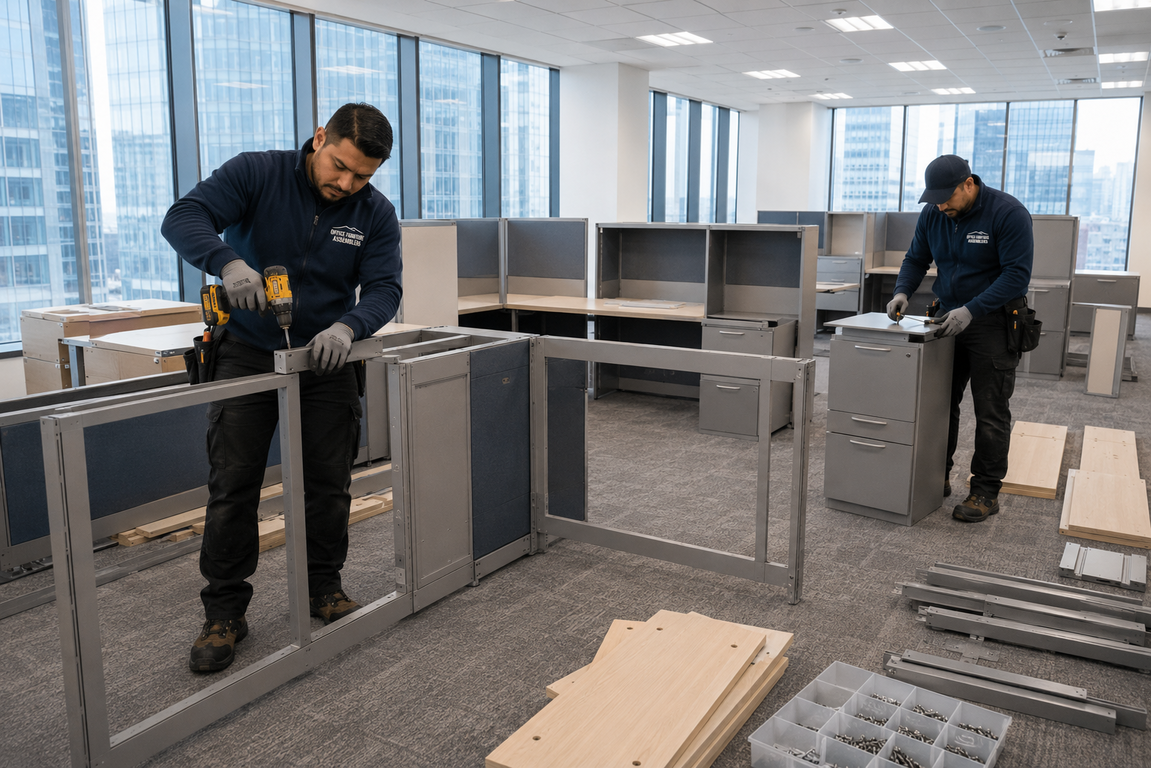
Professional Installers Help Businesses Open Workspaces Faster
Professional installers turn complex setups into predictable timelines. Trained crews bring the right tools, follow manufacturer specifications, and handle modular systems, standing desks, and storage cabinets without guesswork. They also spot damaged parts early and source replacements before the issue spreads.
Booking standing desk assembly for workspaces alongside main installation keeps height-adjustable units calibrated correctly. For larger transitions, office furniture moving reinstallation preparation covers disassembly at the old space and clean reassembly at the new one. Comprehensive office furniture assembly service support ties these pieces together so businesses open their doors on schedule.
Book Office Furniture Installation Support Before Setup Day
Smoother installation day preparation comes from clear workstation plans, coordinated access, organized storage cabinet placement, controlled cable handling, and equipment ready to plug in the moment furniture is set. That combination cuts business downtime sharply.
Office Furniture Assemblers also supports related needs like office relocations, modular reconfigurations, and even niche jobs such as trampoline repair service for mixed-use facilities and corporate wellness areas.
To lock in dates, schedule office furniture installation support today for workstation setup, equipment moving, storage cabinet placement, commercial assembly, and a business-ready workspace from day one.
FREQUENTLY ASKED QUESTIONS
What should businesses do before office furniture installation day?
Confirm the floor plan, label every workstation, and reserve the freight elevator and loading dock. Share building rules and a contact list with the installation crew so questions get answered quickly on site.
How can companies avoid delays during office setup?
Schedule deliveries in sequence rather than all at once, and stage hardware in a dedicated area. Hiring trained installers and clearing all access paths the night before also keeps the timeline on track.
Should office furniture be labeled before installers arrive?
Yes. Each piece should carry a tag matching the floor plan room number or workstation ID. Clear labels eliminate guesswork and prevent cabinets, chairs, and desks from landing in the wrong space.
Why does elevator access matter for office installation?
Freight elevators move large desks, panels, and cabinets that will not fit in passenger lifts. Without a reservation, crews wait in the lobby while other tenants share the elevator, which can cost hours.
How do businesses protect employees during furniture setup?
Block off active assembly zones, post clear signage, and route foot traffic around the work area. Scheduling noisier phases during evenings or weekends also keeps daily operations comfortable.
Can office equipment be moved and installed the same day?
Often yes, with proper sequencing. Computers, monitors, and phones should arrive packed by workstation, then plug in as soon as desks are assembled and cable channels are in place.
Why does storage cabinet placement need planning?
Cabinets affect walkway clearance, fire egress, and team workflow. Placing them near the right departments, away from exits, and against load-rated walls keeps offices safe and organized.
When should a business schedule office furniture installers?
Book installers two to four weeks before the target setup date for standard offices, and earlier for large relocations. Early scheduling secures preferred dates and gives time for site walkthroughs.