Office Chair Setup Mistakes That Hurt Comfort, Posture, and Daily Productivity
Incorrect office chair setup can quietly reduce comfort, strain posture, and make everyday work harder than it should be. The right setup depends on chair design, correct adjustments, desk height, workspace layout, and the needs of the person using the chair each day.
- Proper chair adjustment supports comfort and steady focus.
- Desk and chair alignment helps reduce shoulder, neck, and back strain.
- Small assembly mistakes often lead to daily discomfort.
- Better setup can improve employee comfort across shared workspaces.
- Professional installation creates more consistent, productive workstations.
A Comfortable Office Starts With the Right Chair Setup
A well-set office chair supports posture, movement, and concentration, while a poorly assembled one can do the opposite within hours. For businesses, startups, and remote teams alike, comfort is not just a personal preference. It affects how people work, how long they stay focused, and how often they need to compensate for avoidable discomfort.
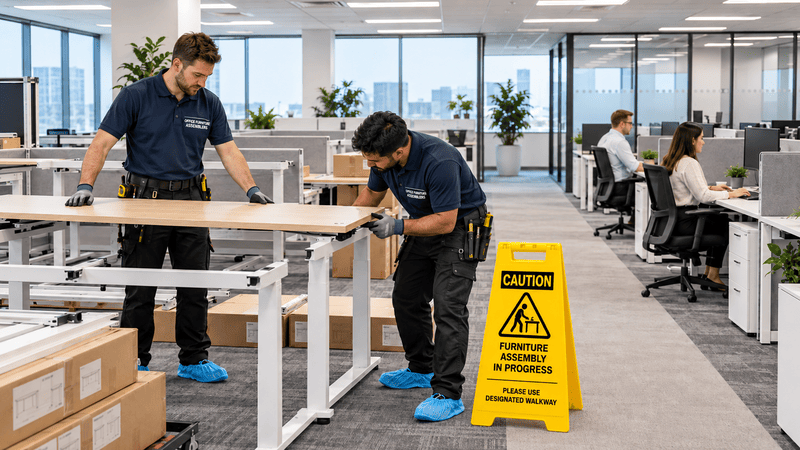
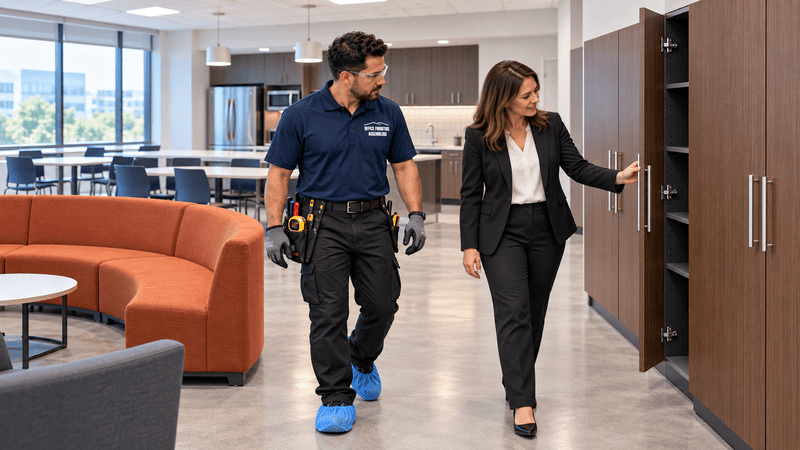
Office chairs often seem simple until daily use exposes small setup problems. A loose backrest, uneven arms, or a chair placed too low beside a desk can create ongoing strain. That strain spreads fast in offices with rows of employee workstations, cubicles, reception areas, and shared desks. Professional setup helps teams avoid inconsistency and creates a more reliable working environment through office furniture assembly for workplaces.
Office chair setup planning means adjusting seat height, lumbar support, arm position, desk alignment, and workspace placement so employees can work more comfortably and efficiently.
Businesses investing in professional office chair assembly services often prevent common setup issues before they affect comfort, posture, and productivity.
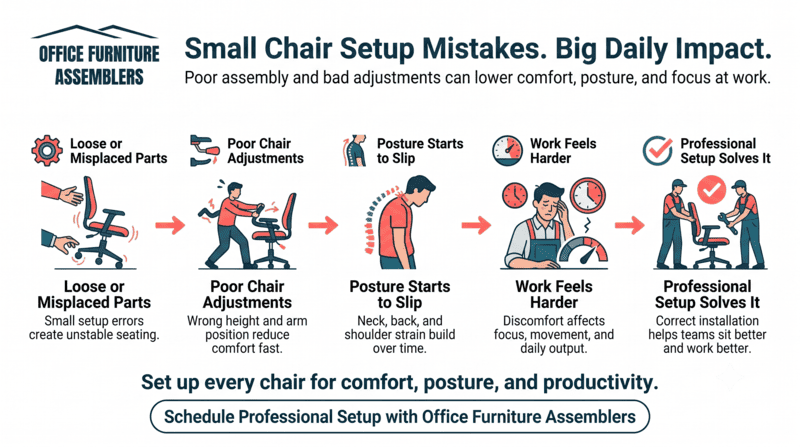
Small Assembly Mistakes Can Affect Daily Work Comfort
Even minor assembly errors can change how a chair feels and performs throughout the day. A misaligned base, loose armrest, or poorly secured back support may not look serious at first, but it can create discomfort that builds with every hour of sitting.
Common mistakes that cause bigger problems
- Armrests installed too high or too far forward
- Back support attached unevenly
- Casters not fully secured into the base
- Tilt tension left too loose or too stiff
- Seat height set without checking desk alignment
- Hardware left slightly loose after installation
In a corporate office, that may show up as employees shifting in their seats all afternoon. In medical offices and legal offices, where staff often stay seated for long stretches, the effects can be even more noticeable. Remote workers face similar issues when home chairs are assembled quickly without checking fit, especially when using home office chairs for productive setups.
For offices already correcting seating problems across departments, related support like office chair assembly for better comfort can fit naturally into a broader workplace improvement plan.
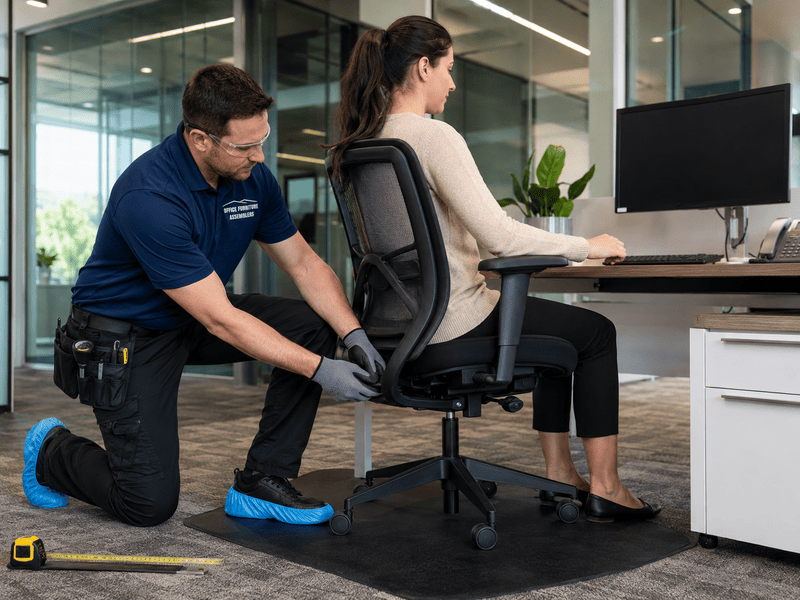
Chair Adjustments Should Match Each Employee’s Workspace
A chair is only comfortable when its adjustments match the person, the desk, and the work being done. The same chair can feel supportive in one workstation and awkward in another if height, arm position, and back support are not tailored to daily use.
Adjustment issues that often get missed
- Seat height that leaves feet dangling
- Armrests that push shoulders upward
- Lumbar support that misses the lower back
- Seat depth that presses behind the knees
- Recline settings that do not match task work
This matters in startups with flexible seating, in shared offices where people rotate desks, and in cubicles where layout limits movement. Consistency becomes easier when chair setup is coordinated with office cubicle installation for teams.
Some workplaces also combine chair setup with home office furniture setup support for hybrid staff who need more than a chair adjustment to work comfortably.
Desk Height and Chair Position Need Better Coordination
Good posture depends on more than the chair itself. Desk height, monitor placement, keyboard position, and chair distance all work together. When those elements do not align, employees often compensate with hunched shoulders, bent wrists, or forward head posture that drains comfort and focus.
In conference rooms, reception areas, and employee workstations, the chair should support natural arm position and clear leg space. That is especially important when teams are also safely moving office electronics and equipment during reconfiguration or expansion.
| Workspace issue | What to check | Why it matters |
|---|---|---|
| Desk too high | Seat height, foot support, elbow angle | Prevents shoulder tension |
| Chair too far from desk | Reach to keyboard and mouse | Reduces forward leaning |
| Monitor too low | Screen height and neck position | Limits neck strain |
| Arms too wide | Armrest width and desk clearance | Improves upper-body comfort |
| Tight leg space | Chair depth and under-desk storage | Supports easier movement |
If a team needs help coordinating layout and seating together, they can request office assembly service details before discomfort turns into a daily pattern.
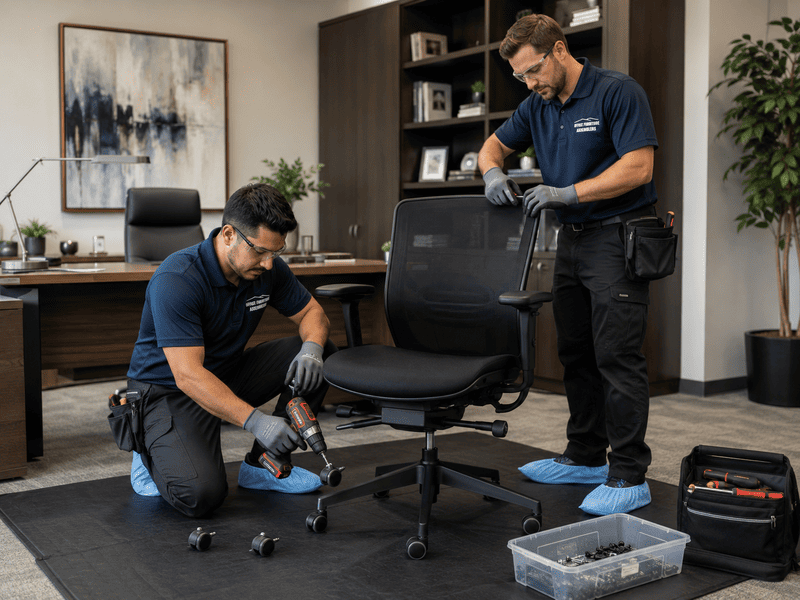
Premium Office Chairs Require Careful Installation
Higher-end office chairs often include more adjustment points, more specialized components, and tighter setup requirements. That means premium seating can deliver excellent support, but only when assembly and positioning are handled with care from the start.
Herman Miller chairs, Steelcase chairs, executive chairs, and other ergonomic seating products are designed for performance, not guesswork. Businesses comparing ergonomic office chairs for professional workspaces should remember that setup quality matters just as much as product quality.
The same applies when evaluating workplace seating designs for modern offices, especially for commercial spaces with multiple adjustable office chairs that need uniform installation. During larger expansions, business furniture installation for growing companies can help keep the rollout organized.
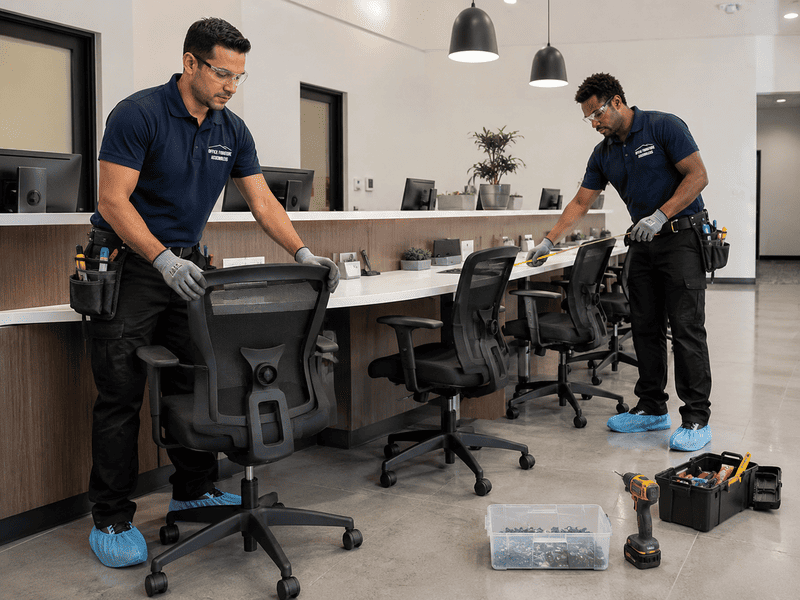
Shared Workspaces Need Consistent Seating Setup
Shared offices work better when seating standards are consistent across departments, roles, and room types. Without that consistency, one team may sit comfortably while another deals with poor chair height, uneven support, or awkward workstation spacing that slows daily work.
Where consistency matters most
- Hot-desking areas in startups
- Rows of cubicles in corporate offices
- Reception desks with long seated shifts
- Conference rooms used by multiple teams
- Medical offices with task-based seating needs
- Legal offices with long desk hours
A consistent setup process helps avoid piecemeal fixes later. It also pairs well with modular office furniture installation services when layouts need to stay flexible without sacrificing comfort.
Professional Assembly Helps Offices Avoid Preventable Issues
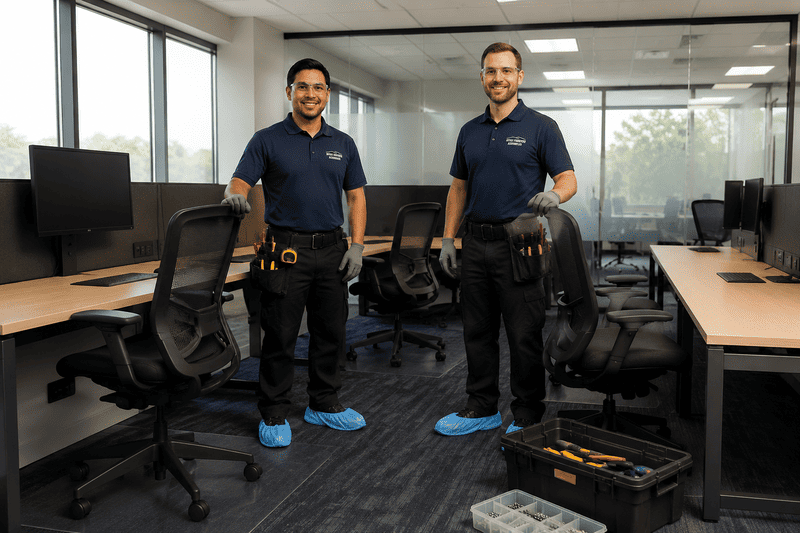
Professional assembly reduces the guesswork that often leads to discomfort, uneven setups, and wasted time. Instead of adjusting chairs after complaints appear, businesses can start with a more accurate, more organized installation process that supports employees from day one.
Benefits of professional installation
- More consistent chair setup across teams
- Better alignment between desks and seating
- Faster installation for large office rollouts
- Fewer loose parts or missed adjustments
- Better support for posture-friendly office setup
- Less disruption during office changes
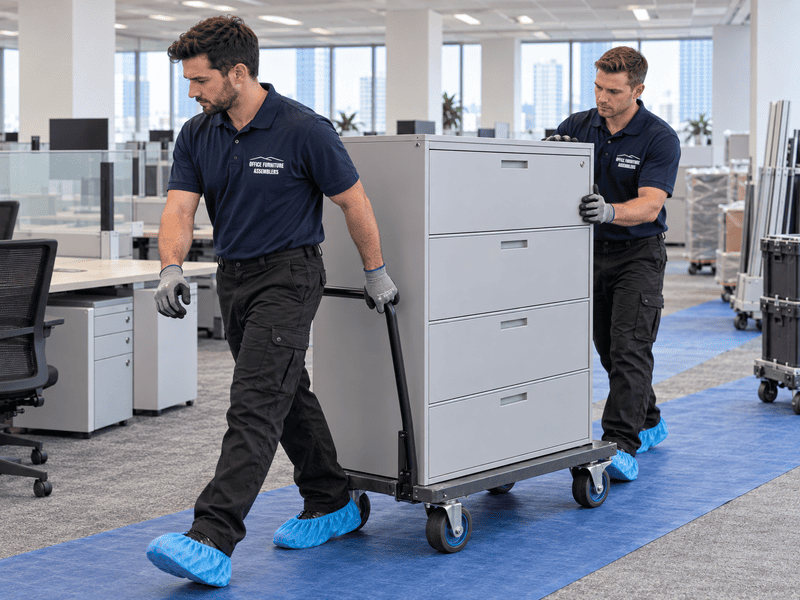
That matters during moves, renovations, and departmental resets, especially when services like office furniture disassembly before relocation are part of the project.
Improve Workplace Comfort With Office Furniture Assemblers
Professional office chair setup helps businesses create workspaces that feel better, function better, and stay organized as teams grow. From a single executive office to full corporate floors, the right installation process supports comfort, posture, and better daily productivity.
Some projects also involve related needs such as equipment disposal services or home recreation installation during broader space updates.
Create Better Workdays With Better Setup
To improve comfort across your workplace, schedule professional office setup today with Office Furniture Assemblers for expert office chair assembly and commercial furniture installation.
FREQUENTLY ASKED QUESTIONS
Why does my office chair feel uncomfortable after assembly?
It may be assembled correctly but adjusted poorly, or small hardware issues may be affecting support and balance.
How should an office chair match desk height?
The chair should allow elbows to rest comfortably near desk level while feet stay supported on the floor.
Can incorrect chair setup affect posture?
Yes. Poor height, back support, or arm positioning can encourage slouching, neck strain, and shoulder tension.
Do ergonomic chairs require professional assembly?
They do not always require it, but professional assembly helps ensure all adjustment features work as intended.
How long does office chair installation usually take?
A single chair may take a short time, but larger office installations depend on chair type, quantity, and workspace layout.
Should every workstation have the same chair setup?
No. The setup process should be consistent, but each chair should still be adjusted to the employee using it.
When should businesses hire professional office furniture installers?
It makes sense during office openings, expansions, reconfigurations, large chair rollouts, or when staff comfort issues keep repeating.