Moving Office Equipment Without Losing Parts, Cables, or Hardware

Moving office equipment without losing parts, cables, or hardware takes labeling, inventory tracking, cable separation, hardware bagging, protected transport, and a clear reinstallation plan from start to finish. The right approach depends on workstation size, cable complexity, desk type, electronics, room layout, employee count, moving distance, and whether the move involves a startup, small business, medical office, legal office, coworking space, or corporate workplace.
- Label every cable, screw, and small part before anything leaves the desk
- Group hardware by workstation, room, or department for easier reassembly
- Protect electronics, monitors, and office furniture with proper padding and transport
- Plan the reassembly layout before boxes and equipment arrive at the new space
- Use professional installers to reduce downtime, confusion, and missed details
Organized Office Equipment Moving Help for Busy Workplaces
Office equipment moves often feel simple at first. Then teams hit tangled cables, missing desk screws, unlabeled monitor arms, loose workstation hardware, disconnected electronics, damaged side panels, and confused room assignments. Small problems quickly turn into delayed setups, frustrated employees, IT backlogs, and rising reinstallation costs. A clear plan changes everything.
Professional office equipment moving and installation planning gives startups, small businesses, medical offices, legal offices, coworking spaces, and corporate workplaces a structured way to move desks, computers, and hardware without losing track of the pieces that hold everything together.
Office Move Planning Starts With Parts, Cables, and Workstations
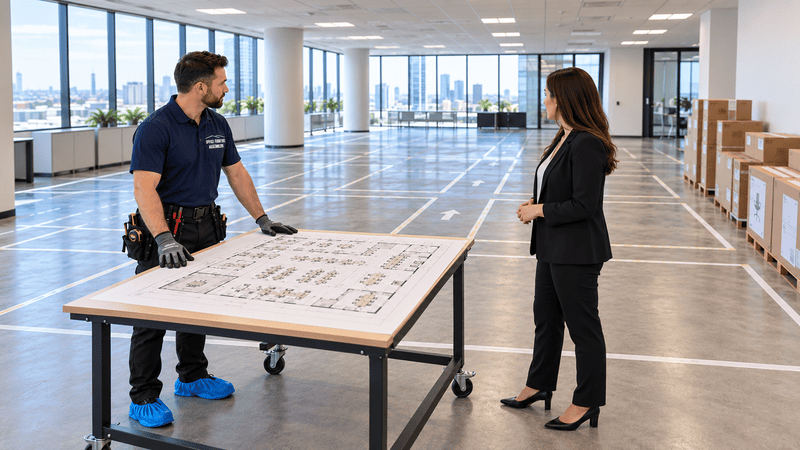
Strong office relocation planning begins with a written inventory of every desk, chair, monitor, cable, bracket, and accessory. Teams should map workstations, label rooms, and assign each item a destination before packing begins. This prevents lost office hardware and keeps reinstallation predictable.
Office equipment moving planning means organizing desks, electronics, cables, hardware, labels, moving paths, room assignments, and reinstallation steps before any furniture or equipment leaves its original location.
A solid office moving checklist usually includes:
- Full inventory of desks, chairs, monitors, and accessories
- Color-coded labels matched to rooms and workstations
- Photos of each workstation before disassembly
- Cable maps that show what connects to what
- A reassembly order that matches the new floor plan
For startups expanding into bigger suites or small businesses reorganizing cubicle areas, this groundwork prevents costly surprises. A practical guide to cubicle installation planning can also help operations teams visualize layouts before move day.
Workstation Desks Need Careful Disassembly and Labeling
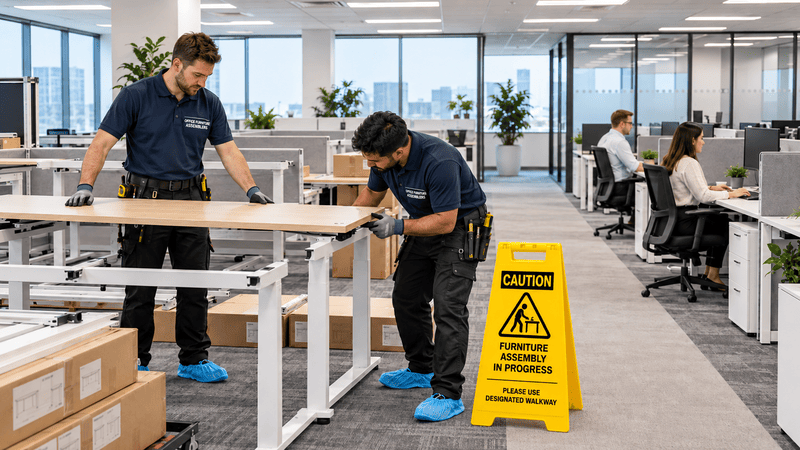
Workstation desks rarely survive a move intact unless they are disassembled with care. Each desk should be photographed, taken apart in order, and labeled by section so reassembly stays smooth. This protects panels, frames, grommets, and connectors from damage.
Track Every Panel and Bracket
Mark each panel with the desk number and a position label such as left, right, front, or back. Place matching labels on brackets so workers know exactly where each piece belongs. Smart workstation desk planning helps teams choose layouts that are easier to move and rebuild later.
Keep Disassembly Photos Handy
Before removing a single screw, take clear photos of the desk from multiple angles. These images become a reference during reassembly, which is especially helpful for shared workstations, conference rooms, and private offices with adjustable components.
Cable Management Keeps Computers and Devices Easier to Reconnect
Good office cable management saves hours on the other end of the move. Cables should be unplugged, coiled, labeled, and grouped by workstation so IT teams can reconnect computers and devices quickly without guessing.
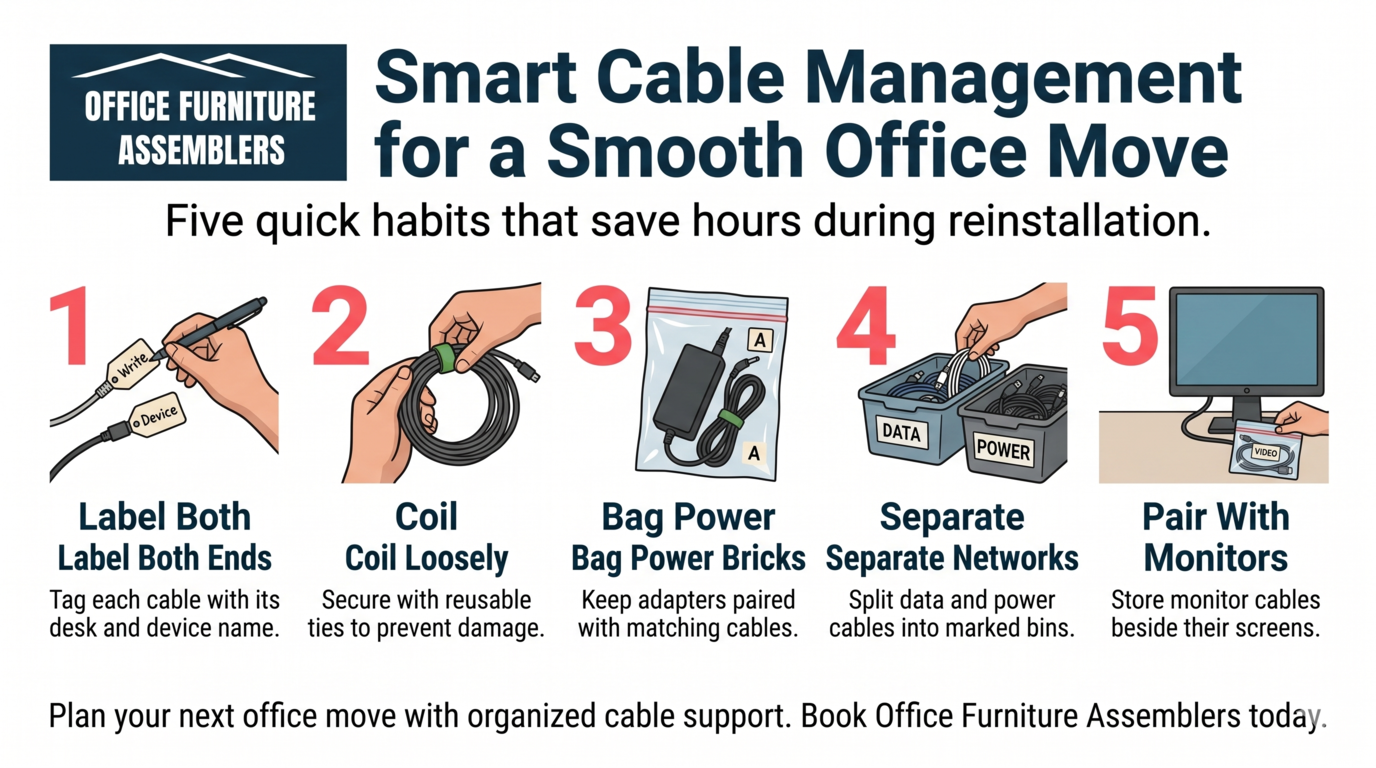
Use these cable habits during any commercial office move:
- Label both ends of every cable with the desk or device name
- Coil cables loosely and secure them with reusable ties
- Bag power bricks with their matching cables
- Separate network cables from power cables in transport bins
- Keep monitor cables with their assigned monitor
For IT equipment zones and reception areas with many devices, these steps prevent the mystery cable pile that slows down reinstallation. Specialists who move computer equipment often follow similar routines to protect sensitive hardware.
Hardware Bags Prevent Small Pieces From Disappearing
Small hardware is the most common casualty of a commercial office move. Screws, cam locks, washers, and brackets vanish into boxes, carpets, and trash bags. Sealed hardware bags keep these pieces tied to their parent furniture.
| Item Type | Bag Method | Label Details |
|---|---|---|
| Desk screws | Zip bag taped to desk frame | Desk ID and section |
| Monitor arm parts | Small pouch with arm | Workstation number |
| Cubicle connectors | Bag per panel set | Panel group and room |
| Cable ties and clips | One bag per workstation | Desk ID |
| Chair hardware | Bag attached under seat | Chair number |
This system works well for medical offices with rolling carts, legal offices with heavy filing systems, and corporate teams with dozens of identical desks. Federal guidance on moving liability protection also reminds businesses that documented inventory matters when items go missing.
Office Furniture Costs Rise When Moves Are Disorganized
Disorganized moves quietly increase office relocation costs. Replacement screws, new brackets, damaged panels, and emergency IT visits add up fast. Downtime is even more expensive when staff cannot work because their desks are not ready.
A clearer view of office installation costs helps decision makers see where organization saves money. Office downsizing projects also benefit from disposal recycling support so unused furniture leaves the building without clogging the new space. For lost items during transit, public resources on lost damaged items outline how businesses can document and report problems.
Moving Paths Should Protect Walls, Floors, and Equipment
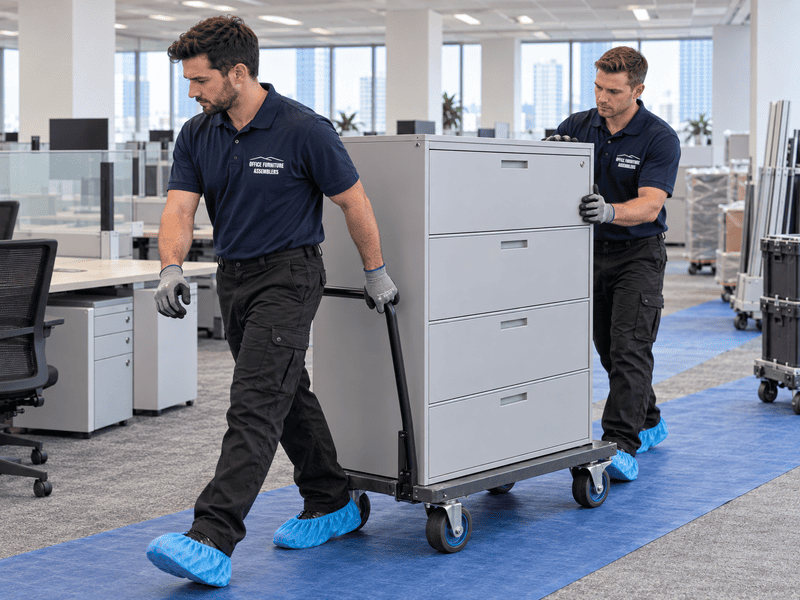
Every move needs a planned path from old space to truck to new space. Protecting walls, floors, doorways, and elevators keeps the building intact and prevents furniture damage during transport.
Smart protection steps include:
- Floor runners through main hallways and lobbies
- Corner guards on tight turns and elevator entries
- Padded blankets on desks, file cabinets, and credenzas
- Shrink wrap on drawers, doors, and loose panels
- Dollies sized for heavy workstations and safes
Coworking spaces and commercial tenants often share elevators, so coordinating these protections with building management avoids fines and delays. Teams handling fragile electronics may also lean on white glove delivery for sensitive items.

Commercial Teams Need Clear Setup and Reinstallation Plans
A commercial office reinstallation plan tells crews exactly where each desk, cubicle, and device belongs in the new space. Floor plans, numbered zones, and assigned workstations remove guesswork and keep employees productive on day one.
Match Furniture to Floor Plans
Print large floor plans with desk numbers, then tag each piece of furniture with the matching number. This works for office expansion projects, conference rooms, cubicle areas, and private offices that need identical setups.
Plan IT and Power Connections Early
IT teams should walk the new space before move day to confirm outlets, network drops, and monitor placement. Home office areas tied to hybrid teams may also need home office furniture delivered separately for remote staff.
Professional Installers Help Reduce Downtime After the Move
Professional installers shorten the gap between truck arrival and full workplace operation. They reassemble desks, mount monitors, connect cables, and stabilize cubicles so teams can return to work quickly. For startups opening new suites, startup office installation crews can also help finalize layouts that match growth plans.
Hybrid and remote employees often need matching support at home, where a proper home office setup keeps comfort and productivity aligned with the main office.
Schedule Office Equipment Moving and Installation Support
Office Furniture Assemblers helps businesses move with labeled parts, organized cables, protected furniture, careful wall and floor protection, smooth reassembly, and professional workstation setup that reduces downtime across every department. Whether the project involves a startup, medical office, legal office, coworking space, or large corporate workplace, the team handles disassembly, transport prep, and full reinstallation. Operations leads who also manage facility upgrades, including driveway hoop planning for staff parking areas, can schedule office support and lock in a date that fits the move timeline.
FREQUENTLY ASKED QUESTIONS
How do you keep office cables organized during a move?
Label both ends of each cable, coil them loosely, and bag them with the matching device. Keep network and power cables separated in clearly marked bins so IT teams can reconnect everything quickly.
What is the best way to avoid losing office hardware?
Use sealed hardware bags taped or attached to the matching furniture piece. Label each bag with the desk number, section, and contents so screws and brackets stay with their original workstation.
Should workstations be disassembled before moving?
Yes, most workstation desks should be partially or fully disassembled. This protects panels, frames, and connectors and makes the pieces easier to move through hallways, doorways, and elevators.
How can office electronics be moved safely?
Power down devices, disconnect cables, and pack each item with padding inside sturdy boxes. Keep monitors upright, secure power bricks with their cables, and avoid stacking heavy items on top of electronics.
What causes delays after an office move?
Most delays come from missing hardware, tangled cables, unclear floor plans, and unlabeled furniture. Strong inventory tracking and a written reinstallation plan prevent these problems before they start.
Can professional installers help reconnect office furniture systems?
Yes, professional installers reassemble desks, cubicles, and workstations and stage them for IT reconnection. Their work shortens downtime and helps employees return to a fully functional workspace faster.
How early should an office move be planned?
Most commercial office moves should be planned four to eight weeks in advance. Larger corporate relocations and medical or legal offices with sensitive equipment often need even longer lead times.
When should a business hire office furniture assemblers?
Hire assemblers when the move involves multiple workstations, complex cubicles, heavy desks, or tight reinstallation timelines. Professional help is especially valuable when downtime, lost parts, or damaged furniture would disrupt daily operations.